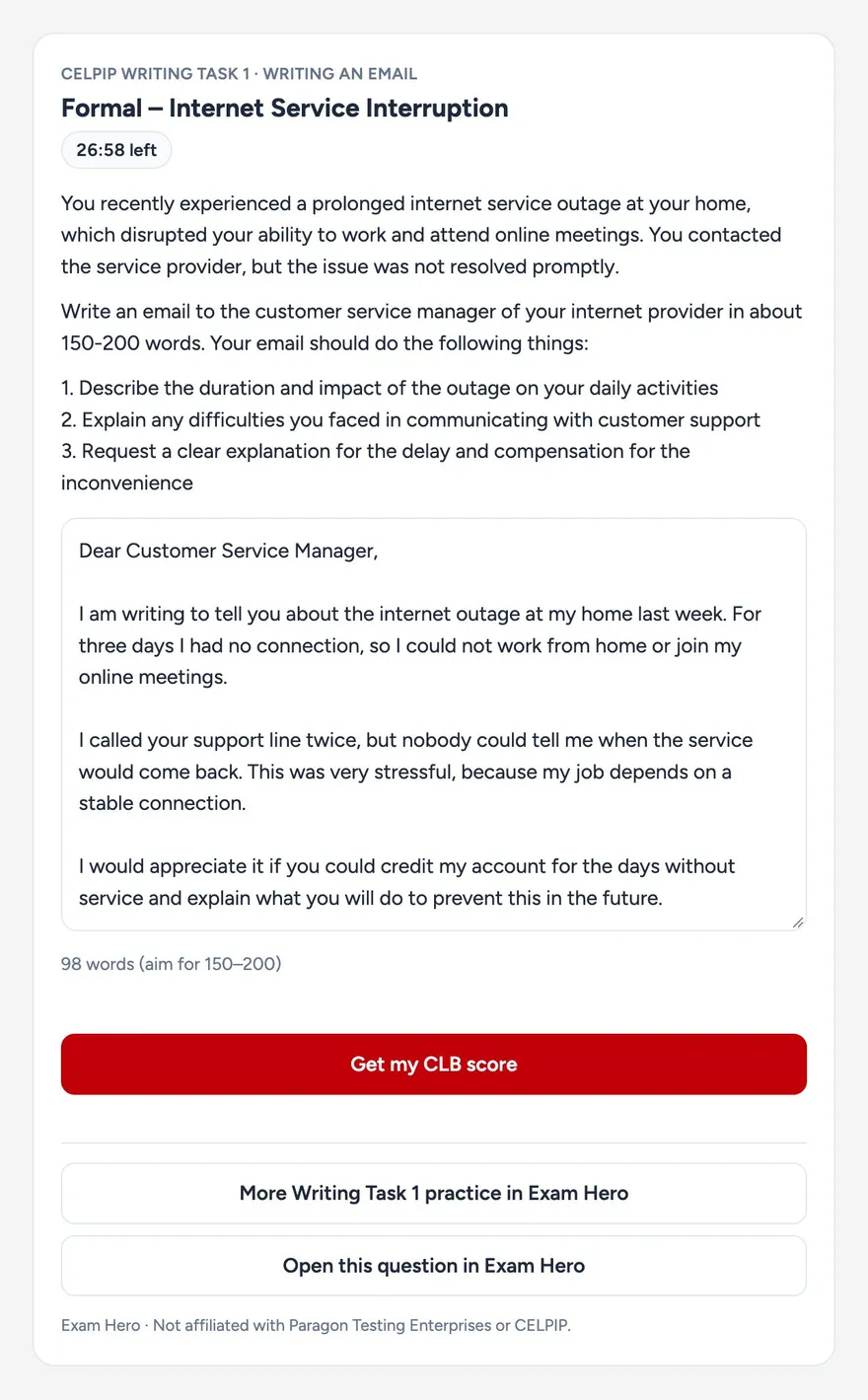
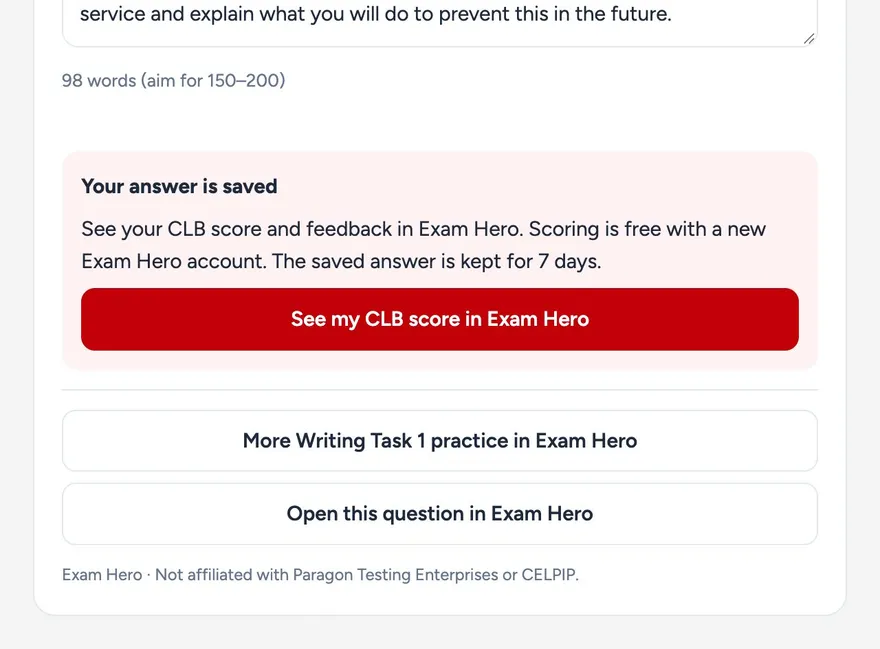
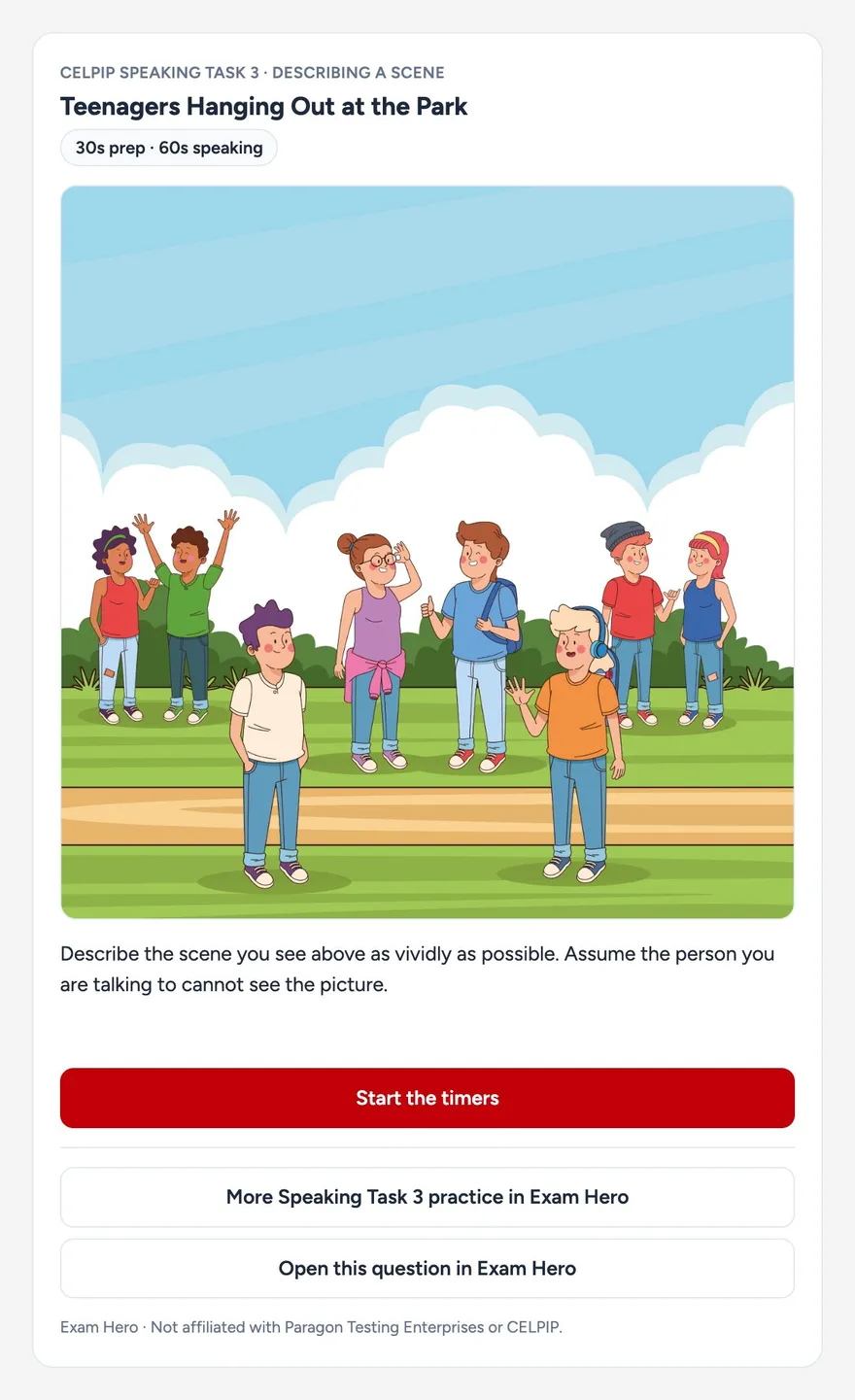
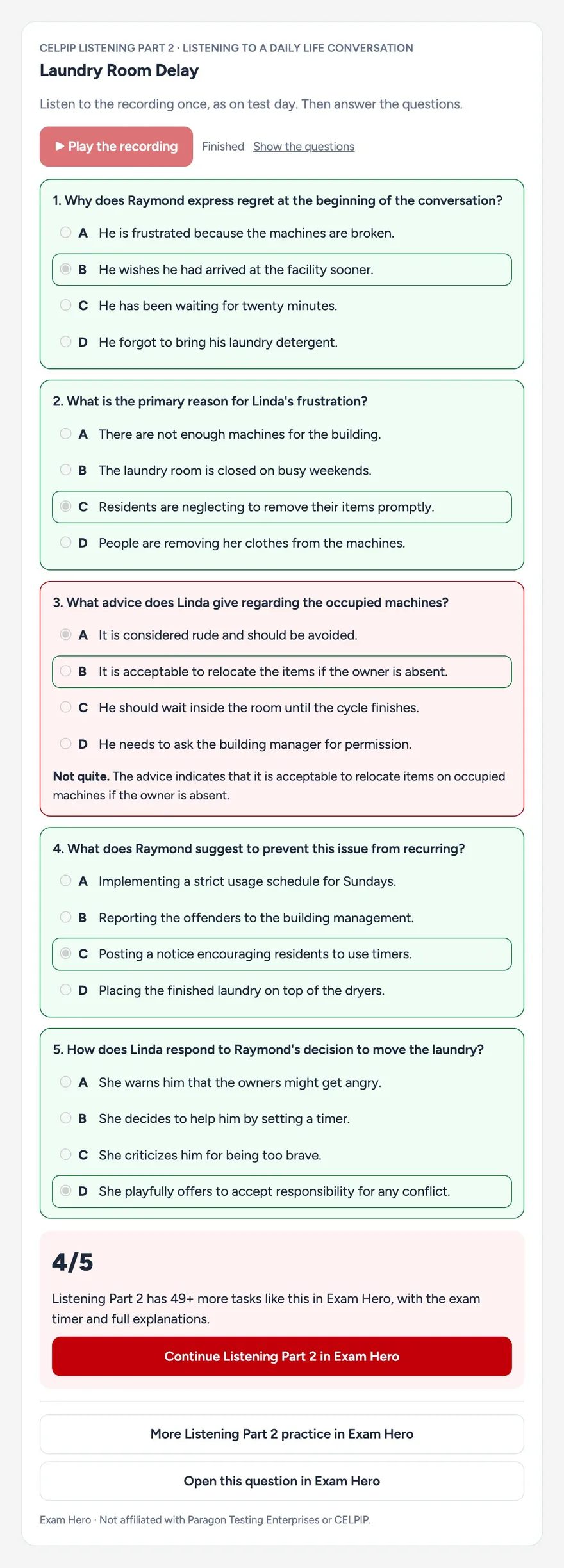
You already ask ChatGPT and Claude for help with English. With the free CELPIP Exam Hero app, you can also practise real CELPIP questions right in the chat: exam-format tasks with timers, Listening and Reading answers marked on the spot, and a one-click path to your CLB score in Exam Hero for Writing and Speaking.
What is the CELPIP Exam Hero app?
It's an app for AI assistants built on the Model Context Protocol (MCP), the open standard that lets ChatGPT, Claude and other assistants connect to outside tools. When you ask for CELPIP practice, the assistant calls our MCP server and shows an interactive practice card from Exam Hero inside your conversation. The questions come from the Exam Hero question bank, not from the AI, so they follow the real test format.
It works in both ChatGPT and Claude. No sign-in is needed to practise.
What you can do in the chat
- A free question for every part. Listening Parts 1 to 6, Reading Parts 1 to 4, Writing Tasks 1 and 2 and Speaking Tasks 1 to 8, with real exam-format content and timers.
- Listening and Reading marked on the spot. Answer in the chat and see which ones you got right, with an explanation for every question.
- Writing and Speaking scored in Exam Hero. Write your answer in the chat and open it in Exam Hero, already filled in, to get your CLB score and feedback.
- Your score, CLB and Express Entry points. Ask what your CELPIP results mean: the CLB level, the IELTS and PTE equivalents, and the Express Entry language points they're worth.
- Test format and study guides. Ask how any part works, how long it takes, or for our guides on a topic.
How to add it to ChatGPT
- In ChatGPT, open Apps from the sidebar or Settings.
- Search for CELPIP Exam Hero and open it.
- Click Connect. No Exam Hero account or sign-in is needed.
- Start a chat and ask for CELPIP practice, or type @ and pick CELPIP Exam Hero.
How to add it to Claude
- In Claude, open Customize, then Connectors.
- Browse the connectors, search for CELPIP Exam Hero and click Connect.
- In a chat, click + at the bottom left, open Connectors and make sure CELPIP Exam Hero is turned on.
- Ask for CELPIP practice, for example "Give me a CELPIP Speaking Task 1 question".
Can't find it in Claude? Add it by URL
This works on every Claude plan, including Free, which allows one custom connector.
- In Claude, open Customize, then Connectors.
- Click + Add, then Add custom connector.
- Name it CELPIP Exam Hero and paste the URL below.
- Click Continue, choose No sign in, then Add.